Product spotlight
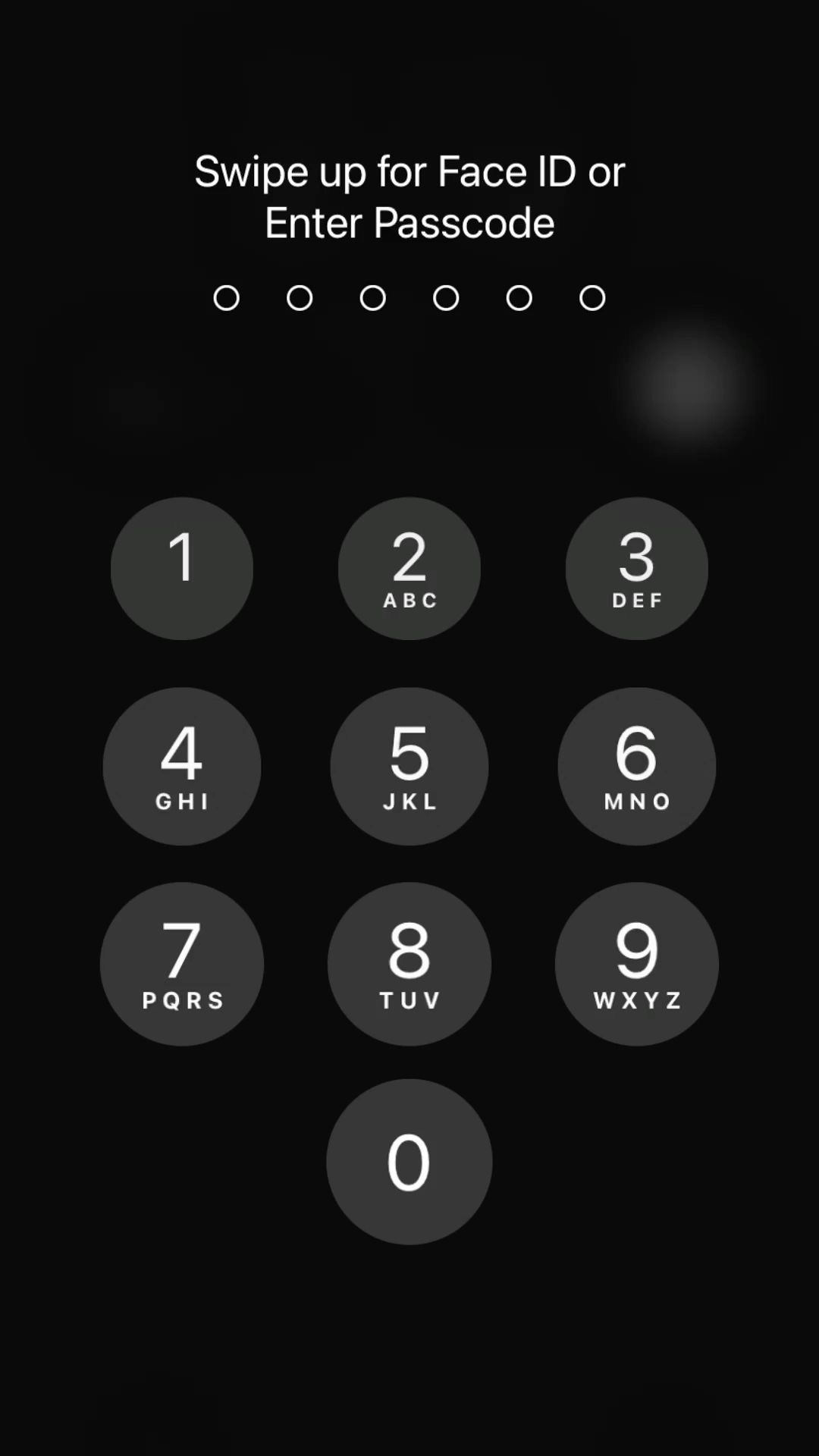
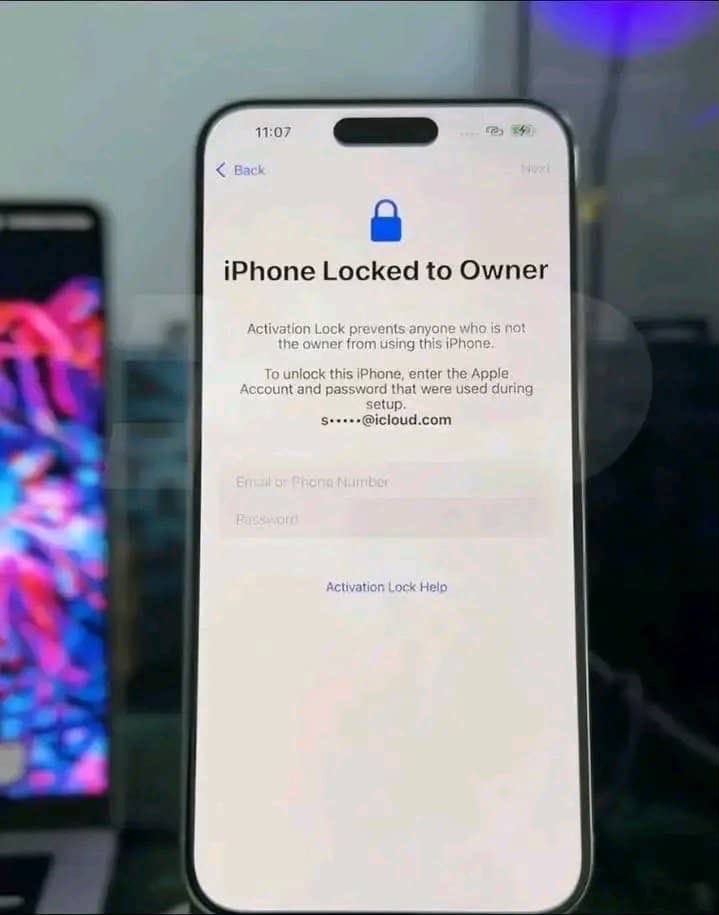
iPhone Passcode Bypass
Product details, requirements, delivery flow, and common questions before checkout.
TG Digital Hub
ServiceRemove passcode lock from A12 and A13 devices such as iPhone XS, iPhone XS Max, iPhone XR, iPhone 11, iPhone 11 Pro, iPhone 11 Pro Max, iPhone SE 2nd gen (2020), iPad Air 3rd gen, iPad mini 5th gen, iPad 8th gen, iPad 9th gen.
Choose your preferred order option below. Your item will only be held after payment or seller confirmation.
Delivery details, requirements, and answers to common questions about iPhone Passcode Bypass.
Product details, requirements, delivery flow, and common questions before checkout.
Review the iPhone Passcode Bypass details above, choose the option that fits your order, and complete checkout when you are ready.
Review the iPhone Passcode Bypass details and choose the option you want.
Provide the information requested in the order form and complete payment.
After payment is confirmed, follow the next-step instructions provided for your order.
Review the product description and selected options before checkout.
Provide the information requested for this product in the order form.
Keep your order reference so you can track the order and return to its delivery flow.
The delivery method shown on this product page is used for the order. After payment, follow the delivery or activation instructions attached to your order.
Only the information requested in the checkout form for this product is needed to place the order.
Keep your order reference and use TG Digital Hub’s order tracking flow to check the latest status.
Fulfilment begins after successful payment is confirmed and the order is ready for processing.